
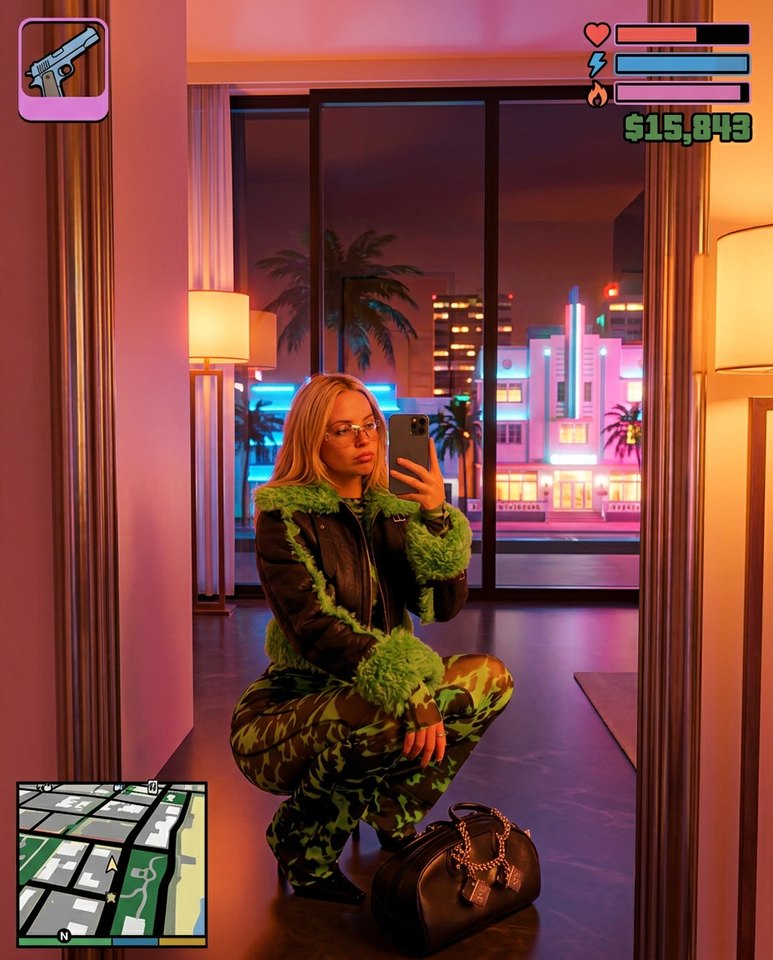
Practical Guide
How to Get the GTA 6 Filter on Your Photos
Turn any selfie, couple photo, or group shot into GTA 6 filter art right in your browser—no app download, no prompts, and watermark-free exports.
Published 2026-11-20 · 2 min read
GTA 6 AI Generator · Guides
Practical tips for choosing a clear portrait photo, framing vertical clips, and preparing AI video exports for social platforms.
Practical Guide
Turn any selfie, couple photo, or group shot into GTA 6 filter art right in your browser—no app download, no prompts, and watermark-free exports.
Published 2026-11-20 · 2 min read
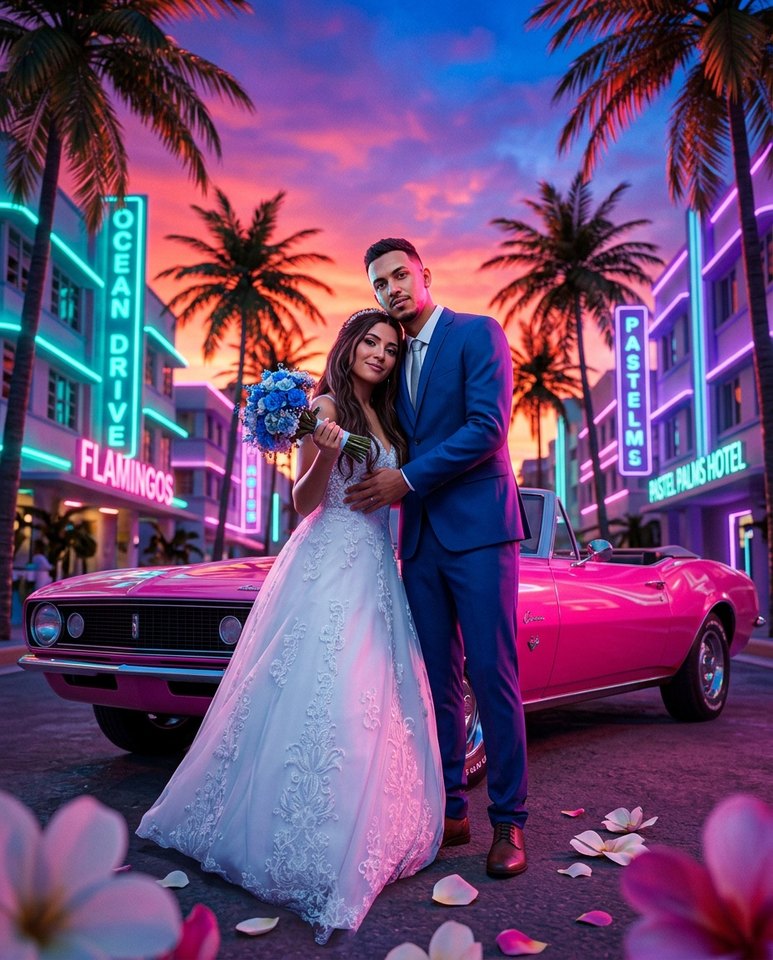
Practical Guide
Compare GTA 6 AI photo filters vs image-to-image tools, browser-based pricing per photo ($0.33–$0.40) and 5s–15s videos, watermark rules, and photo privacy.
Published 2026-11-20 · 2 min read
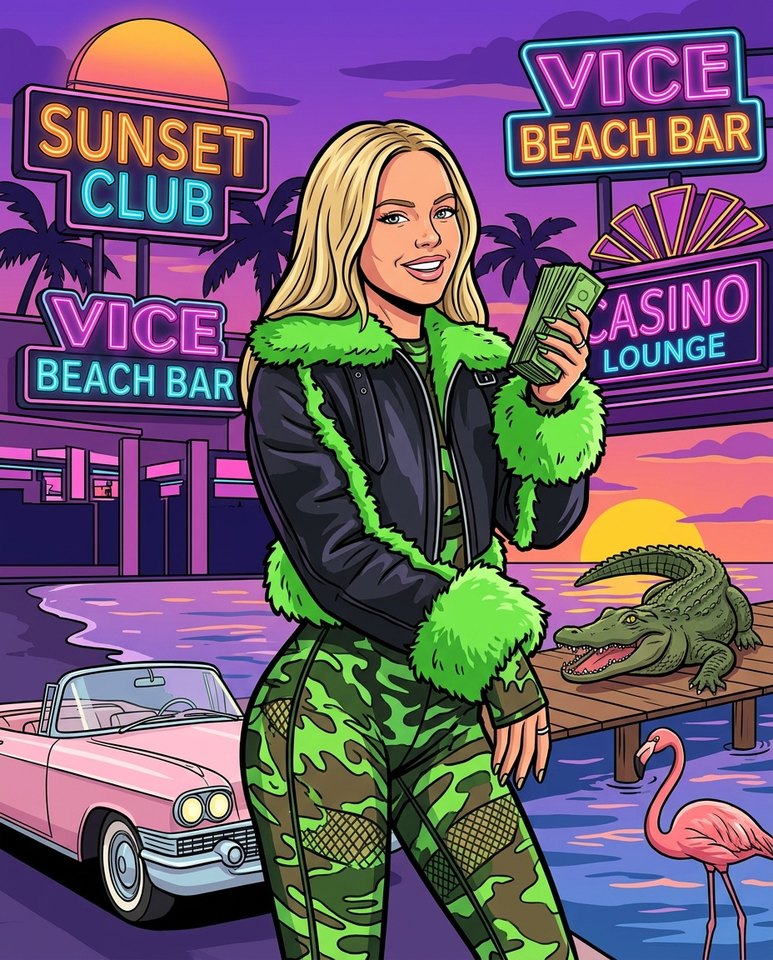
Practical Guide
Create a custom GTA 6 loading screen, county wanted mugshot, or couple cover art using your own face in 4:5, 9:16, or 1:1—no prompt writing needed.
Published 2026-11-20 · 2 min read
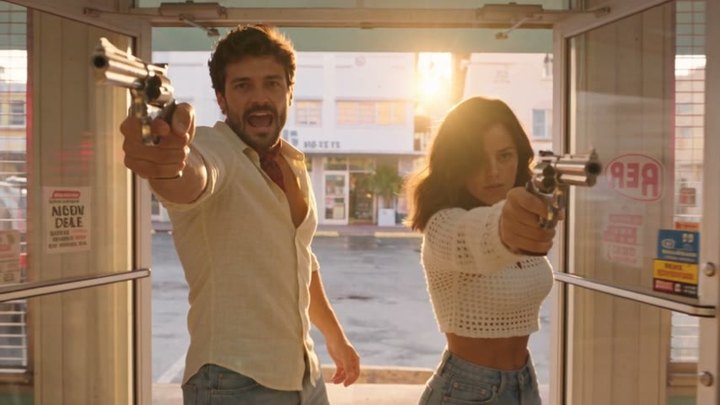
Practical Guide
Learn how creators turn one selfie into viral 9:16 GTA 6 AI transformation videos for TikTok, Reels, and Shorts in 5s–15s with synced audio and no watermark.
Published 2026-11-20 · 2 min read